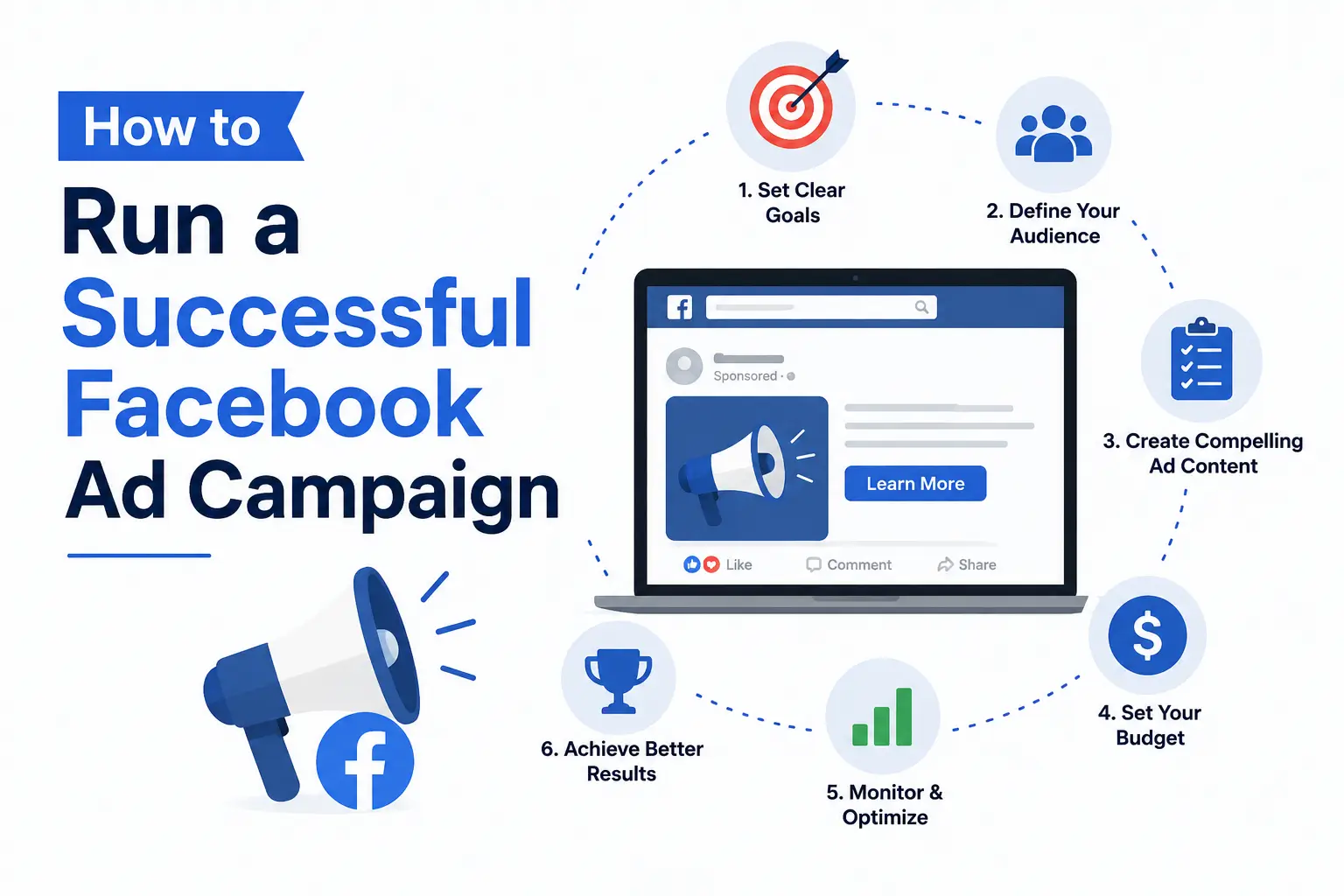
Facebook has over 3 billion active users worldwide, making it one of the most powerful advertising platforms on the planet. Whether you want more website visitors, leads, or sales — Facebook Ads can deliver results fast. But without the right strategy, you can burn money quickly. This guide will show you exactly how to run a successful Facebook ad campaign step by step.
Why Facebook Ads?
- Reach billions of people worldwide
- Target by age, location, interest, and behavior
- Works for any budget — even $5 per day
- Fast results compared to SEO
- Perfect for businesses in Bangladesh and globally
Step-by-Step Guide to Running Facebook Ads
Step 1: Set Up Facebook Business Manager
Go to business.facebook.com and create a free Business Manager account. This is where you manage all your ads, pages, and billing in one place.
Step 2: Define Your Goal
Facebook offers different campaign objectives. Choose based on what you want:
| Goal | Campaign Objective |
|---|---|
| More website visitors | Traffic |
| More sales | Conversions |
| Brand awareness | Reach / Awareness |
| App installs | App Promotion |
| Leads & contacts | Lead Generation |
Step 3: Know Your Target Audience
This is the most important step. Facebook’s targeting options include:
- Location — country, city, or radius
- Age & Gender — specific demographics
- Interests — hobbies, pages they follow
- Behaviors — online shoppers, device users
- Custom Audiences — your existing customers or website visitors
Step 4: Set Your Budget
You can choose between:
- Daily Budget — spend a fixed amount per day
- Lifetime Budget — spend a total amount over a campaign period
Start small with $5–$10 per day and scale up once you see results.
Step 5: Choose Your Ad Format
Facebook offers several ad formats:
- 🖼️ Image Ads — simple and effective
- 🎥 Video Ads — higher engagement
- 🎠 Carousel Ads — show multiple products
- 📱 Story Ads — full screen, mobile-first
- 🗂️ Collection Ads — perfect for e-commerce
Step 6: Create Compelling Ad Copy
Your ad needs to stop the scroll. Follow this formula:
- Hook — grab attention in the first line
- Value — explain the benefit clearly
- Call to Action — tell them what to do next
Example: “Struggling to get customers? Our Digital Marketing service has helped 500+ businesses grow online. Click below to get a FREE consultation today!”
Step 7: Design Eye-Catching Visuals
Use bright, clean images or short videos. Tools like Canva make it easy to design professional ads for free. Avoid too much text on images — Facebook penalizes it.
Step 8: Launch and Monitor
Once your ad is live, track these key metrics daily:
| Metric | What it Means |
|---|---|
| CTR (Click-Through Rate) | How many people clicked your ad |
| CPC (Cost Per Click) | How much each click costs |
| CPM | Cost per 1,000 impressions |
| ROAS | Return on ad spend |
| Conversion Rate | % of clicks that became customers |
Step 9: Test and Optimize (A/B Testing)
Never run just one ad. Create 2–3 variations with different:
- Headlines
- Images or videos
- Target audiences
After 3–5 days, turn off the weaker ads and put more budget into the winner.
Step 10: Retargeting — The Secret Weapon
Show ads to people who already visited your website but didn’t buy. Retargeting campaigns convert 3x better than cold audiences. Install the Facebook Pixel on your website to enable this.
Common Facebook Ads Mistakes to Avoid
- ❌ Targeting too broad an audience
- ❌ Using low-quality images
- ❌ No clear call to action
- ❌ Not testing multiple ad variations
- ❌ Ignoring mobile users
- ❌ Stopping ads too early before the algorithm learns
Conclusion
Facebook Ads are one of the fastest ways to grow your business online. With the right targeting, creative, and budget, even a small business can compete with big brands. Start with a small budget, test different approaches, and scale what works. Your next customer is already on Facebook — go find them!